Project Management Dashboard
Project Management Dashboard
Data collected in the Data Entry Module populates the Project Management dashboard which is used to analyse the performance of the project Contractor, its vessels, assets and equipment for each offshore activity.
To access the project management dashboard, click the Dashboard button at the bottom centre of the screen and select the Project Management tab. 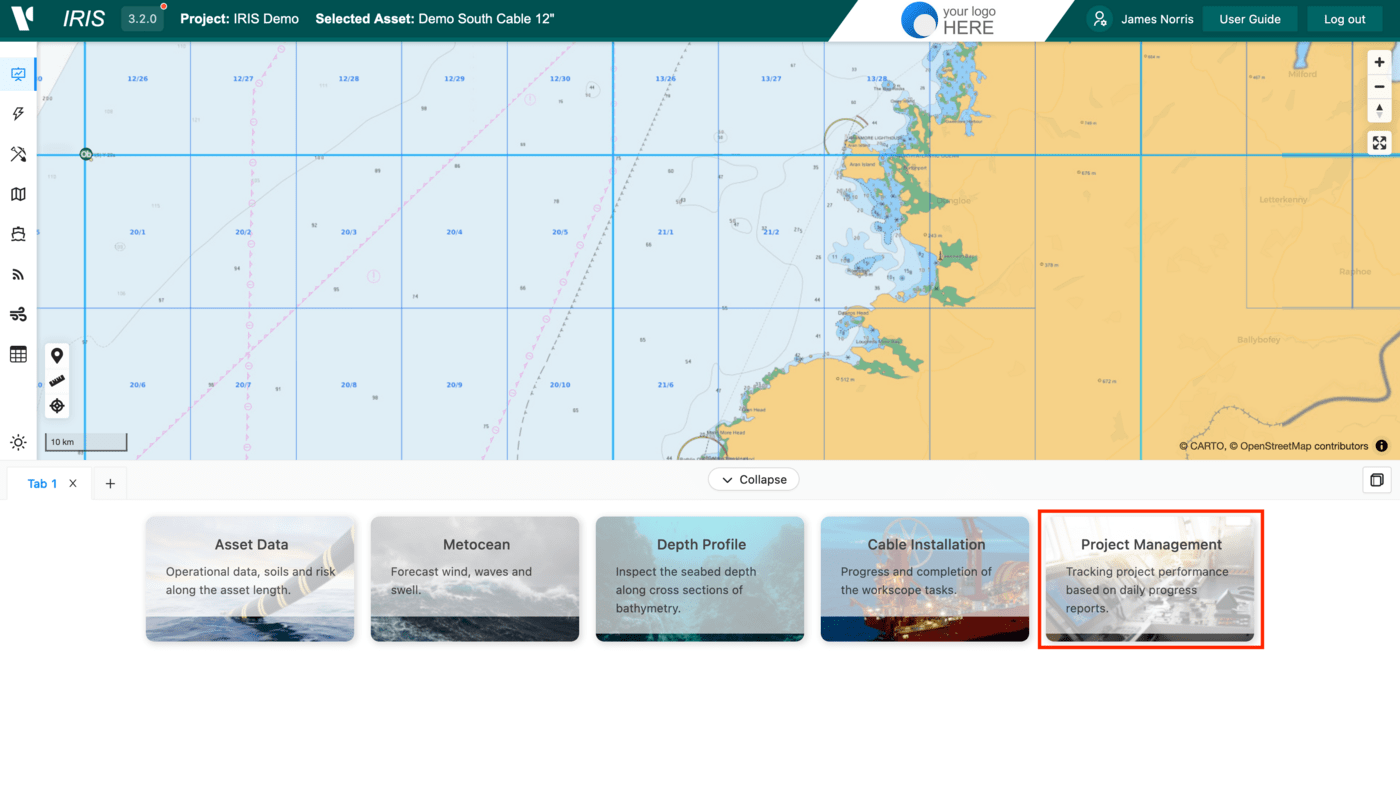
Once in simply select the Activity from the drop down list on the right and cycle between the different elements in the top centre:
- DPR (Daily Progress Reports)
- HSE (Health, Safety & Environment)
- Calendar
- Work Scope
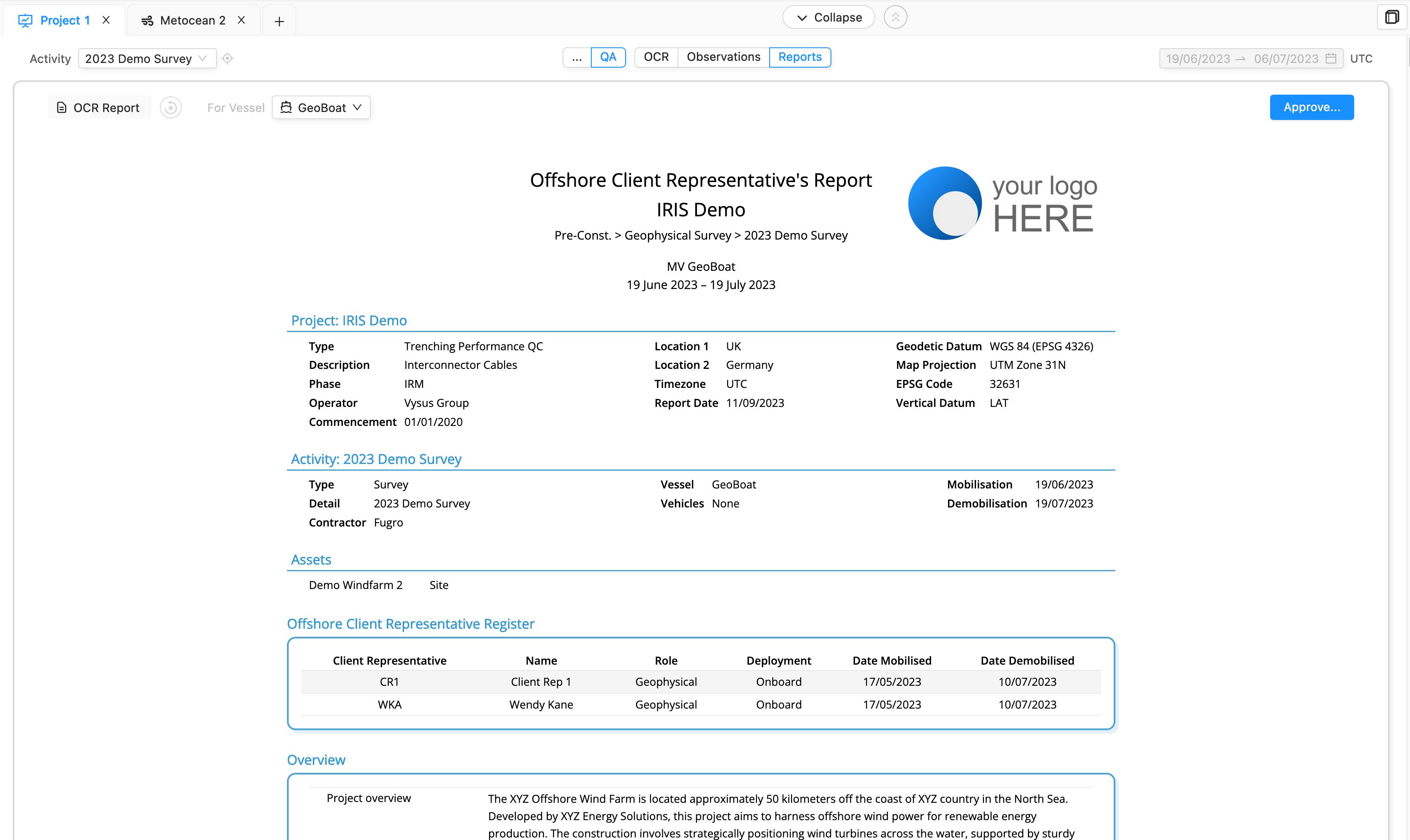
- QA (Quality Assurance) which contains the OCR register, Incident log, Observations and the final OCR Report.
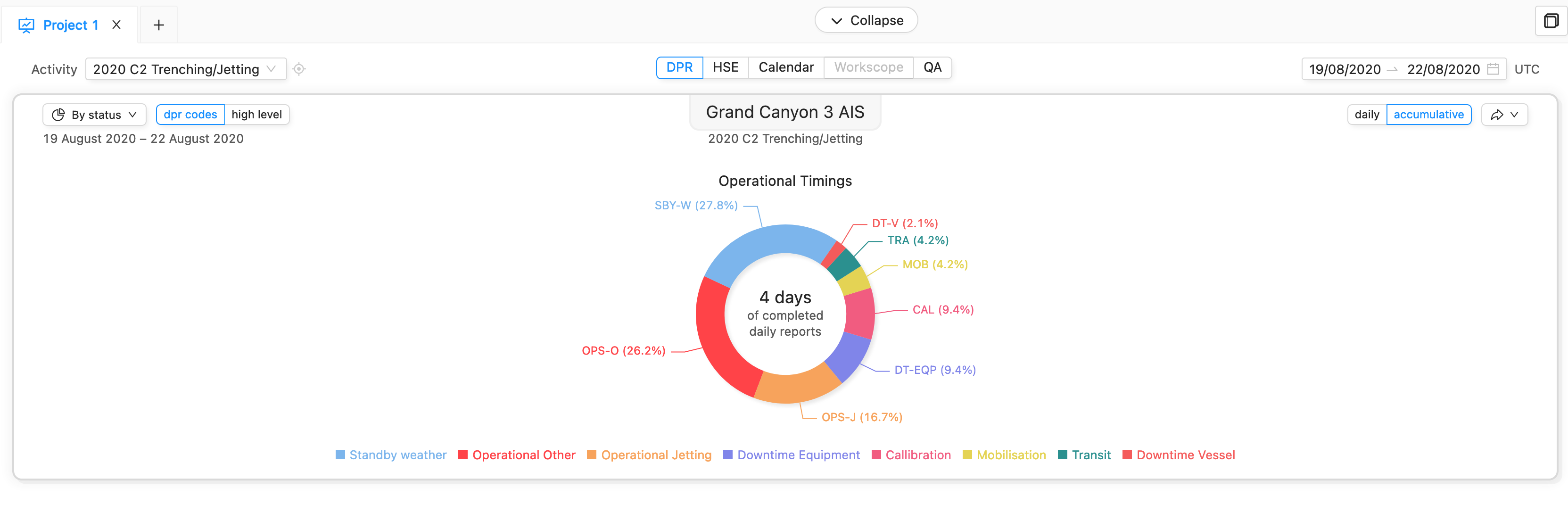
The dates automatically match the entered information but can be restricted to show a period of choice e.g. the last week. There are several ways to configure the display. On the left you can change the graph to one of the following:
- By status
- By Date as a bar graph
- By date as a line chart
- Table view (For Work Scopes)
Also DPR activities can be grouped into high level codes or contractor DPR codes: 
On the graph you can deselect individual items by clicking them in the legend.
On the right of the graph you can toggle the data between a Daily and Accumulative view or export to images, spreadsheets or the clipboard: 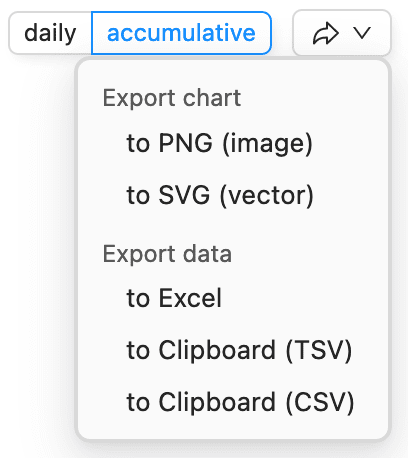
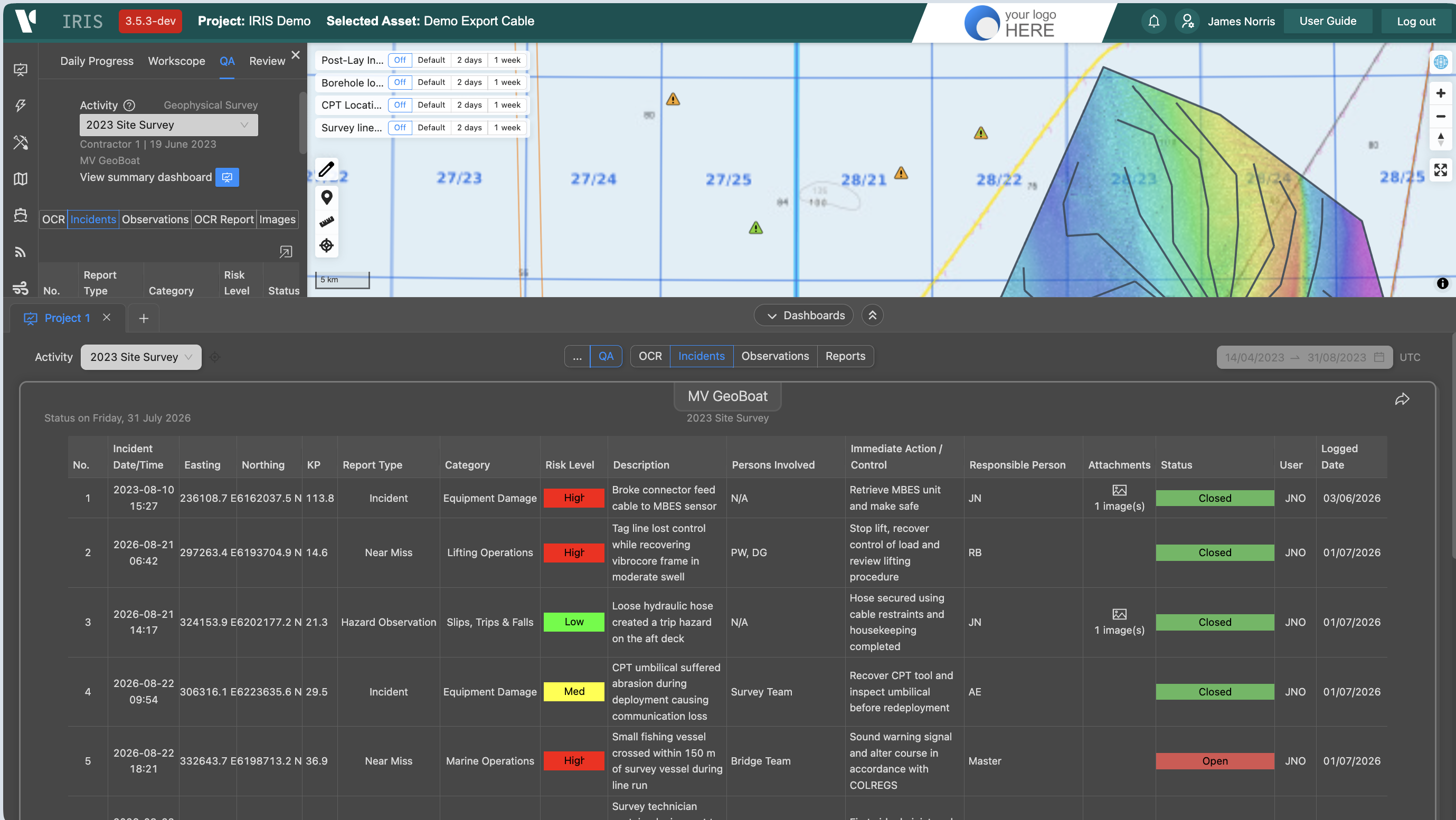
When a health and safety Incident is logged offshore by the client representative, a record of this is shown in 2 areas. As a layer in project layers under HSE or in the project management module in the QA > Incidents tab. The map layers shows colour coding based on status and risk level.
When an activity is coming to an end, IRIS has the ability to build the final Offshore Client Rep (OCR) report pulling all the data and map view together in a easily configurable way. This can be accessed from the Reports tab of QA section and will include all the data inputted from the rep, project details and statistics, metocean and any relevant images which will be stored in IRIS and can be exported as a PDF.